3 min read
TAKE A BREAK
Mac Mini for Coding Review: Worth It?
Updated: 6/23/2026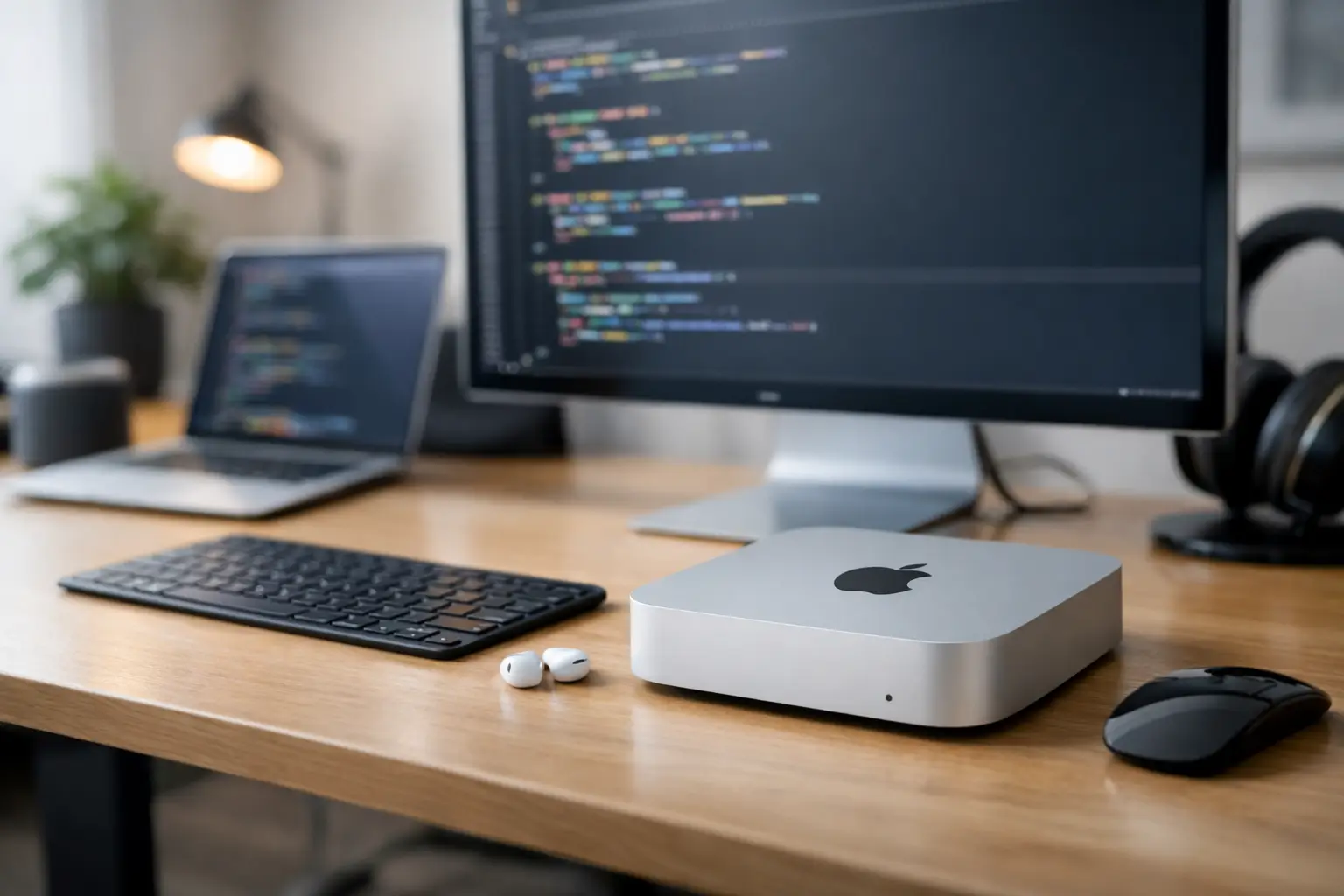
A lot of coding setups look great in photos and feel annoying by week two. That is why a real mac mini for coding review has to go past benchmark bragging and answer the practical question: can this tiny desktop handle actual developer work without becoming a daily compromise?
For a lot of people, the answer is yes - and pretty comfortably. The Mac mini has turned into one of the easiest ways to get a fast, quiet macOS machine on your desk without paying laptop prices for a screen, keyboard, and battery you may not need. But whether it is the right coding machine depends less on raw speed than on what kind of developer you are.
Mac mini for coding review: who it suits best
If your day is mostly VS Code, terminal tabs, browsers full of documentation, Slack, Git, and the occasional Docker container, the Mac mini feels almost tailor-made. It is compact, silent under light loads, and quick enough that normal development work rarely feels delayed.
Frontend developers, mobile developers working in the Apple ecosystem, and many general software engineers will probably find it more than enough. If you are building iOS apps, having a desktop Mac at this price point is especially appealing. Xcode runs well, simulators are usable, and the machine does not take over your workspace.
Where things get more mixed is heavy-duty work. If your setup includes multiple local containers, large databases, Android Studio, emulators, AI tooling, and a truly unreasonable number of browser tabs, the Mac mini can still work - but your RAM choice starts to matter a lot. The base model may feel fine at first, then cramped once your projects get bigger.
What the Mac mini gets very right
The first win is simple: speed where it counts. For coding, you usually notice responsiveness more than headline performance. App launches are quick. Builds are generally snappy. Switching between your editor, browser, and terminal feels immediate. That day-to-day smoothness matters more than synthetic numbers.
The second win is silence. A noisy machine can wear on you faster than a slightly slower one, especially if you work from home or code late at night. The Mac mini is one of those computers that can disappear into the background, which is exactly what a work machine should do.
Then there is the value angle. Compared with many premium laptops, the Mac mini lets you spend your money where it may matter more - extra memory, a better monitor, a comfortable keyboard, or a clean dual-screen setup. If you already have peripherals, the total cost can make a lot of sense.
There is also the macOS factor. If you like Unix-style tooling, need Xcode, or just prefer the Apple ecosystem, the Mac mini gives you that environment in one of the least expensive ways possible. For developers who bounce between design tools, browser testing, and command line work, that balance is a big part of the appeal.
The weak spots you should know before buying
The biggest catch is upgradeability, or really the lack of it. What you buy is what you live with. You cannot treat the Mac mini like an old desktop tower where you add RAM later because your side project suddenly became a real app.
That makes the memory decision more important than people expect. For light coding, base memory may be okay. For longer-term comfort, especially if you use Docker, virtual machines, or memory-hungry IDEs, stepping up is usually the smarter move. It hurts more at checkout, but it often saves buyer's remorse.
Storage can be another pain point. Fast internal storage is great, but Apple upgrades are not cheap. If you work with large codebases, local media assets, or simulator files, you may end up leaning on external storage sooner than expected. That is manageable, but it is not as tidy.
Port selection is another it-depends area. Some Mac mini models are fine for a simple desk setup. Others will quickly push you toward hubs and adapters if you use lots of accessories, external drives, wired networking, or multiple displays. None of this is a dealbreaker, but it can chip away at the clean simplicity that makes the Mini appealing in the first place.
Performance in real coding use
This is where a Mac mini for coding review needs to stay honest. Most developers are not compiling massive codebases every minute. They are editing files, previewing changes, checking logs, running local servers, and hopping into browser dev tools. In that kind of work, the Mac mini feels fast and easy.
Web development is a particularly good match. React, Next.js, Node.js, Python scripts, local databases, and standard dev tooling tend to run well. You can keep a productive setup open all day without feeling like the system is dragging.
Mobile development is a split story. If you are focused on iOS, the Mac mini makes a lot of sense because Xcode support is non-negotiable. Build times and simulator performance are solid on modern Apple silicon models. If you are doing Android-heavy work with emulators and Gradle builds all day, it can still be good, but that workload benefits more clearly from higher RAM.
For backend work, the experience depends on how much you keep local. Running a few services is one thing. Running a full mini-cloud on your desk is another. Developers using containers heavily will want to think less about processor headlines and more about memory headroom.
Base model or upgraded model?
This is where people either make a smart buy or a frustrating one. The cheapest Mac mini is tempting because it already feels quick, especially if you are coming from an older Intel machine or a budget Windows laptop. For students, beginner coders, and lighter workflows, it can absolutely be enough.
But if you plan to keep the machine for years, an upgrade is easier to justify than it first appears. More memory gives you breathing room as tools get heavier, browsers get greedier, and your work gets more complex. It is the difference between a machine that feels good now and one that still feels good after your job, side projects, and habits expand.
Storage is a little more flexible because external SSDs are a real option. Memory is not. If your budget can only stretch in one direction, RAM is usually the safer priority for coding.
Desk setup matters more than with a laptop
One reason some people love the Mac mini is also one reason others bounce off it. It is only the computer. That means your experience depends heavily on the screen, keyboard, mouse, webcam, speakers, and cable setup around it.
If you already have a good monitor, this is great news. You can build a comfortable coding station for less than a premium laptop setup. If you do not, the price story changes fast once you add quality accessories.
There is also the portability issue. The Mac mini is small, but it is not mobile in the way a laptop is mobile. You can move it, sure, but you are not casually working from the couch, a coffee shop, and a shared office in one day. For some people, that is perfectly fine. For others, it is the whole reason to skip it.
Should most developers buy one?
For a lot of casual and mid-level coding needs, yes. The Mac mini is one of the most sensible desktop Macs you can buy. It is quick, quiet, compact, and pleasant to use. If your work mostly lives in code editors, terminals, browsers, and standard dev tools, it hits a sweet spot.
It becomes a less obvious buy if your workflow is unusually heavy, your RAM needs are already high, or you need laptop flexibility. In those cases, the machine is still good, but the value gap narrows once you start adding upgrades or realizing you need portability after all.
The nicest thing about the Mac mini is that it does not try too hard. It gives you strong real-world performance in a small box and stays out of your way. If that sounds like your kind of setup, you will probably be happier with it than with a flashier machine that costs more and solves fewer problems.
If you are choosing with your actual workflow in mind - not the one you imagine in a perfect productivity fantasy - the Mac mini is often the smart pick.