3 min read
TAKE A BREAK
Why Is My Phone Overheating? 9 Fast Fixes
Updated: 8/7/2026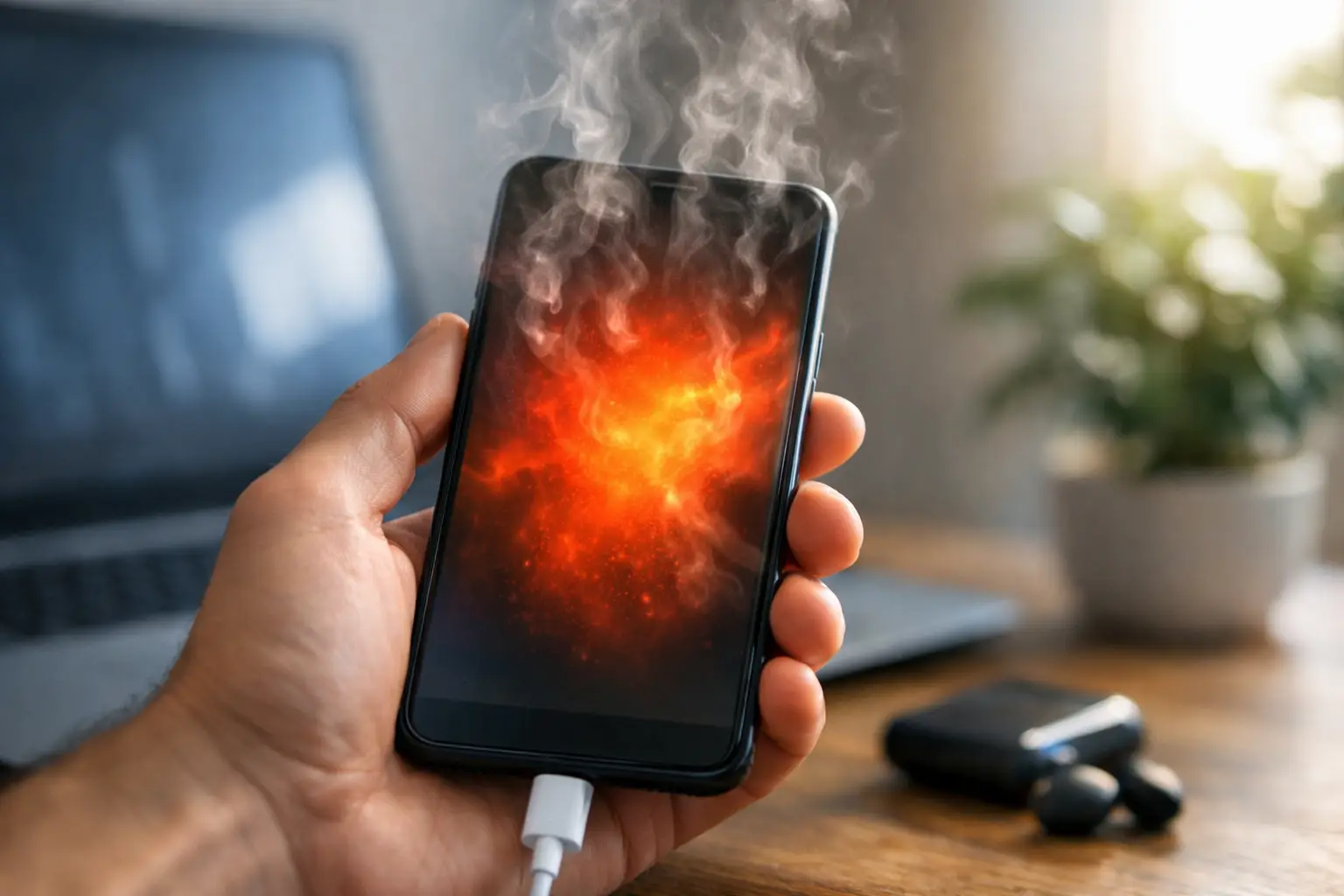
Your phone gets hot halfway through a video call, while charging in the car, or just sitting in your pocket. It is annoying, but it can also be your device telling you to slow things down. If you are asking, “why is my phone overheating,” the short answer is that its processor, battery, or both are working harder than they can safely cool themselves.
A little warmth is normal. Phones are compact computers with no fan, so heat has nowhere dramatic to go. But a phone that is painfully hot, repeatedly shuts down, dims its screen, or refuses to charge deserves attention.
Why Is My Phone Overheating in the First Place?
Most overheating comes down to a pileup of activity. Your phone may be running a demanding app, searching for a weak signal, charging quickly, and sitting under direct sunlight at the same time. Each task adds heat. Together, they can push the device past its comfort zone.
The usual suspects are gaming, video streaming, navigation, video calls, camera use, and editing photos or clips. These activities keep the screen, processor, graphics chip, and internet connection busy at once. That does not mean something is broken. It means your phone needs a break between heavy tasks, especially on a hot day.
A weak cellular signal can be surprisingly demanding, too. When service is spotty, your phone works harder to maintain a connection. If it gets warm in an elevator, on a road trip, or in a building with poor reception, switching on Airplane Mode for a few minutes can make a noticeable difference.
Heat from the outside matters just as much. Leaving a phone on a car dashboard, beside a pool, or in direct sun can raise its temperature fast. A dark case can trap extra warmth, particularly during charging or high-performance use.
The Fastest Way to Cool It Down
Do not put an overheated phone in the freezer or against an ice pack. Extreme temperature changes can create condensation inside the device, which introduces a much worse problem than a hot battery.
Instead, stop what is making it work. Unplug the charger, move the phone out of the sun, remove a thick case, and close demanding apps. Turn down screen brightness and give it a few minutes in a cool, shaded, well-ventilated spot.
If it is still heating up, enable Airplane Mode. That pauses the constant work of connecting to cellular networks, Wi-Fi, Bluetooth, and GPS. You can also power the phone off completely if you do not need it right away. This is the quickest reset for a device that feels like it is running a small furnace.
Avoid charging until it has cooled. Modern phones often pause charging automatically when temperatures climb, but forcing the issue with another cable or charger is not a smart workaround.
Charging Can Be the Real Culprit
Charging naturally creates heat, especially with fast chargers and wireless charging pads. It becomes a concern when the phone gets very hot every time it charges, takes much longer than usual, or displays a temperature warning.
Start with the basics. Use a quality charger and cable made for your phone, and check the charging port for lint or debris. A damaged cable can cause inconsistent charging, while cheap or worn accessories may not manage power as reliably as they should.
Wireless charging is convenient, but it usually produces more heat than plugging in. If your phone tends to overheat on a charging pad, try a wired charger for a few days and compare. Also, do not charge under a pillow, blanket, or stack of papers. Those soft surfaces hold in heat right when the battery needs room to release it.
Using your phone heavily while it charges creates another heat stack. Watching a movie, playing a game, or running navigation while plugged in can make even a healthy phone warm quickly. If possible, charge first and use it later.
Check the Apps Running in the Background
One poorly behaved app can drain battery life and make a phone hot even when you are barely using it. Think of an app that keeps checking your location, uploading photos, refreshing feeds, or failing to finish a task in the background.
Check your battery settings to see which apps are using the most power. If an app is suddenly near the top of the list, update it, force close it, or uninstall and reinstall it. Pay special attention to apps you added shortly before the overheating began.
A software update can help, too. Updates often fix bugs that cause excessive processor use or battery drain. The trade-off is that a phone may run warm for a short period after a major update while it reindexes photos, files, and apps. That should settle down within a day or two, not continue indefinitely.
Restarting is still worth trying. It clears stuck background processes and gives your phone a clean slate without requiring any technical detective work.
When the Battery Is Showing Its Age
Batteries wear out. After a few years of charging cycles, they hold less power and can become less efficient at managing heat. You may notice the phone getting warm during ordinary tasks, losing battery quickly, or dropping from 20 percent to zero without much warning.
On an iPhone, Battery Health in Settings can offer a useful clue about maximum capacity and whether service is recommended. Android battery tools vary by brand, but battery usage screens can still reveal unusual drain. A phone with an aging battery may be perfectly usable, but overheating is one reason not to ignore a replacement recommendation.
Do not try to open the phone or replace a swollen battery yourself unless you have the proper training and equipment. Lithium-ion batteries can be hazardous when damaged.
Red Flags That Mean Stop Using It
A warm phone after a long video call is one thing. These signs call for more caution:
- The back of the phone is bulging, separating, or pushing the screen upward.
- You smell a chemical or sweet, burning odor.
- It becomes extremely hot while idle or powered off.
- It repeatedly displays a temperature warning, shuts down, or will not charge after cooling.
If you notice swelling, unplug the phone, do not press on it, and place it on a nonflammable surface away from fabrics and sunlight. Arrange professional repair or safe battery disposal. If there is smoke, hissing, or fire, move away from the device and contact emergency services.
A Few Habits That Keep Heat Under Control
You do not need to baby your phone. You just need to avoid the most common heat traps. Keep it out of direct sun, especially in a parked car. Remove the case for long gaming sessions or charging if it tends to run hot. Download maps, playlists, or shows before a trip when possible, so the phone is not fighting a weak signal for hours.
It also helps to close apps you are done using, though constantly force-closing every app is not necessary. Your phone is designed to manage normal background activity. Focus on apps that are clearly misbehaving or consuming unusual battery power.
If overheating happens only during a demanding task, the answer may simply be to use the phone in shorter bursts. If it happens during basic texting, scrolling, or charging, treat that pattern as useful evidence. A quick cooldown is fine, but a recurring heat problem is your cue to check the battery, charger, software, or a repair professional before a small annoyance becomes a dead phone at the worst possible moment.